


AFKSpin App for iOS and Android
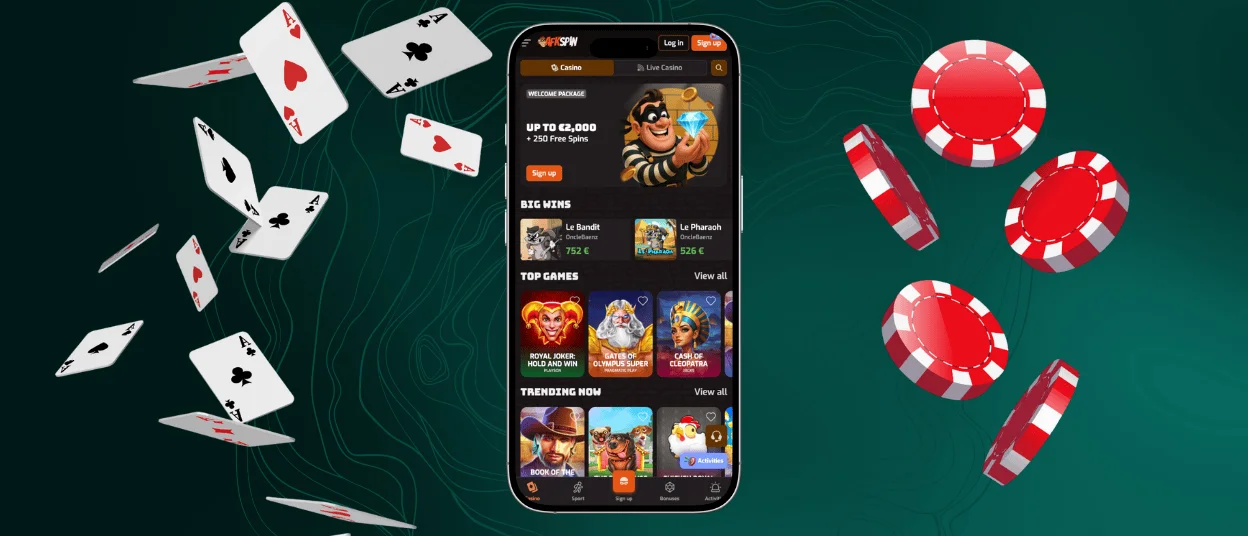
AFKSpin App is our mobile format for players who prefer a clean, app-like layout. We keep the lobby structured and the game pages easy to scan, so navigation feels predictable. Many players use it when they want a quick session and don’t want extra friction between opening the platform and getting into a game.



Why Choose AFK Spin Casino App
The AFK Spin app optimizes all casino games and features for your mobile device. The main difference between the mobile software and the PC version is its portability. Another distinctive feature of the software is our proprietary “no keyboard” (AFK) mechanic for adjusting settings and launching games. So it is a fully optimized mobile casino in your pocket.
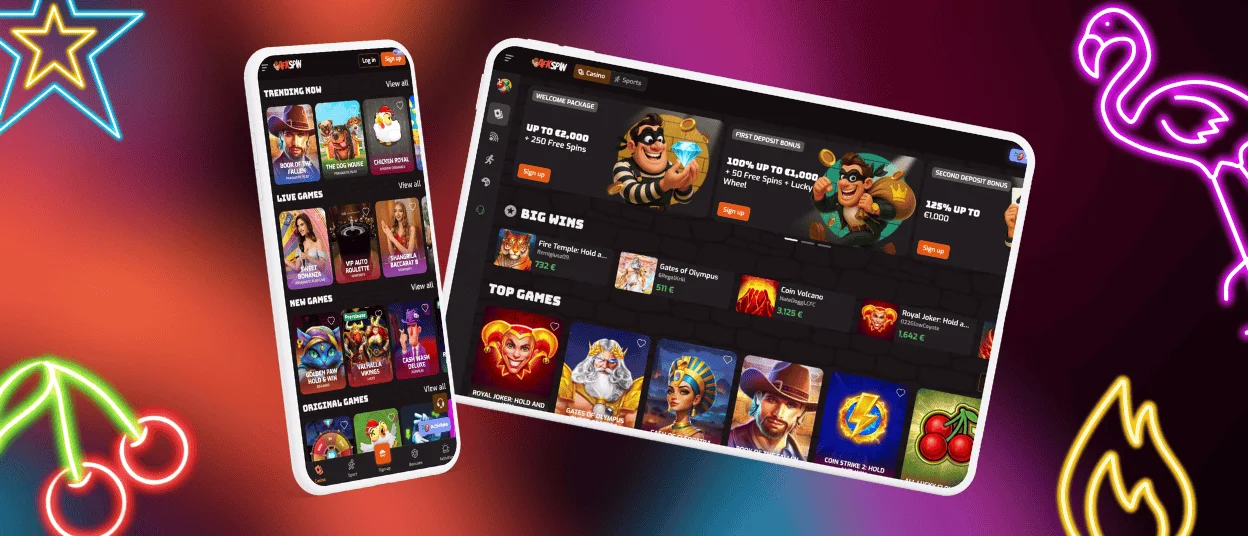
The advantage of a PC is its large screen, but all features are the same on both the PC and the mobile app. The software compensates for the small screen with an optimized touch interface and push notifications. In our application, you can do everything you can in a browser: complete the verification process, conduct transactions, use bonuses, play all the games, and much more.
| Feature | Mobile AFK Spin App | PC version |
| Portability | You can play anywhere. | Limited to a stationary location. |
| AFK Mechanics | Allows passive reward collection. | Requires the game to be actively running. |
| Interface | Optimized touch controls. | Larger screen, traditionally, mouse/keyboard. |
| Notifications | Push alerts for wins/promotions. | Requires browser monitoring. |
| Connectivity | Quick loading, one-tap access. | Dependent on launching a browser/software. |
AFKSpin Web App for Windows and Mac
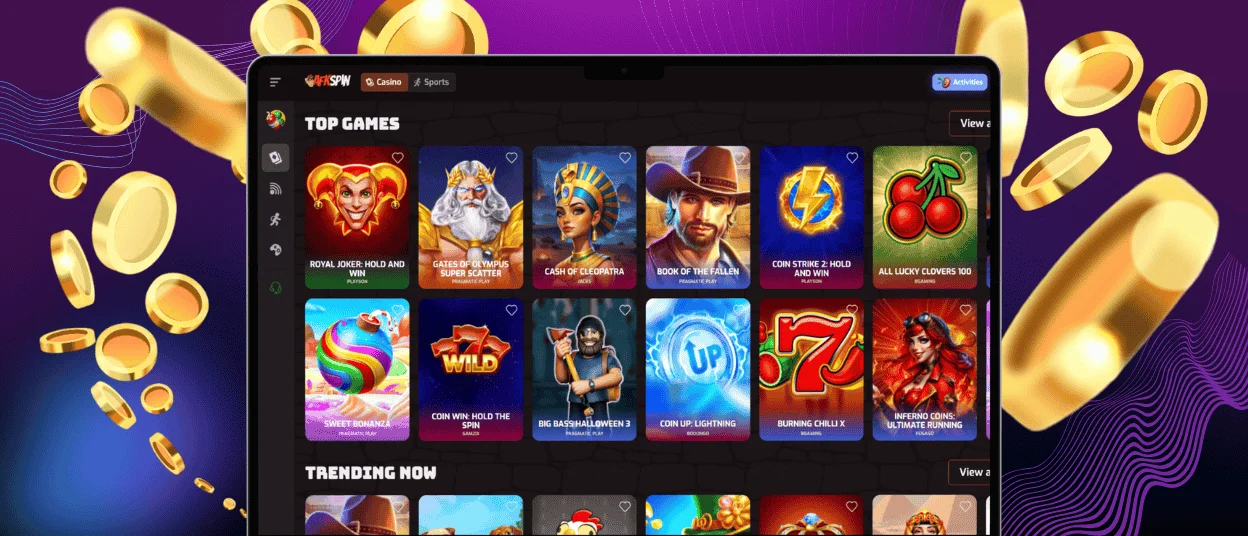
The AFKSpin Casino web applications launch the casino directly on your desktop without any complicated installation. Both Windows and Mac users can quickly access AFKSpin Casino without a lengthy installation process. Simply visit our website and create a shortcut on your desktop for quick one-click access. This shortcut converts the application into a separate web application, and it works like a regular program. You will be able to launch AFKSpin from your PC desktop. The Mac and Windows applications have an optimized interface that matches the scale of your computer screen.
Install an Android Application
The fastest way to enjoy all the benefits of a casino on your mobile device is to use AFKSpin for Android. The AFKSpin Android software is a modern, progressive web app (PWA). We have created this software to work on any mobile device and provide instant access. Our progressive web app does not require any complicated installation—no APK files or long downloads. PWA is fast and easily integrates with your phone.
How to Download APK
There is no need to go to the Play Store or download the AFKSpin APK file. Installing the AFKSpin PWA is simple; it takes just a few seconds.
- Scroll down the main page of the AFKSpin website on your Android device.
- Tap the “Casino App” button.
- Select “Install”.
The AFKSpin app will then be immediately added to your home screen and your app drawer, ready to launch with a single tap.
AFK Spin Application for iOS
For Apple users, the AFKSpin app for iOS is fully optimized. It has a native interface that works through the Safari browser. Our software can be downloaded to your mobile device without visiting the App Store. No need to download or install anything. This method loads quickly and supports push notifications. You will see a special icon on your home screen with quick access to your favorite casino games.
Install the App on iOS Device
- Open the AFKSpin website in your Safari browser.
- Tap the “Share” icon located at the bottom of the screen.
- Select “Add to Home Screen”.
- Confirm “Add” in the top right corner.
After that, the AFKSpin app is ready to use and will appear on your home screen. If you have any questions about the installation or anything else, contact our support team via live chat or e-mail.
FAQ
Is the AFKspin Casino App Free to Download?
Yes, the AFKSpin Casino app can be downloaded and installed completely free on Android and iOS devices. Our software does not require a separate payment or complicated APK file downloads for Android. It is easy to install on iOS devices from our website.
Can I Use Face ID or Fingerprint to Log In for Faster, More Secure Access?
Of course. The AFKSpin app supports biometric login methods such as Face ID and fingerprint (Touch ID). This function is available on all devices. You can enable this feature in the app settings. This method of logging into the app can be an additional measure to protect your data.
If I Already Have an Account on the Website, Can I Use the Same Login for the App?
Yes, your account can be linked to multiple devices. You can log in to your account in both your browser and the app. Use the same username and password to log in to the app. Your balance, progress, bonuses, and entire history will be synchronized across all devices.
Does the App Offer the Full Range of Games and Payment Options?
Yes, the AFKSpin app supports all the same casino features as the browser. It offers the full range of games available on the website, such as online slots, table games, and live dealer games. The app offers the same payment methods as the browser.


